A single flawed HTML structure today can simultaneously mean legal risk, poorer user experience, and weakened AI visibility. Few technical decisions carry such an immediate and profound business impact.
Many business leaders treated June 28, 2025, as just another compliance deadline. Those who missed it quickly realized it wasn't just a checkbox to tick—it meant regulatory procedures, user complaints, and reputational risk. Accessibility used to be an ethical question. Today, it is a business question.
In 2026, AI can scan an entire site in seconds to filter out the most common errors—and that is a genuine help. But what most "AI accessibility" providers won’t tell you is this: the machine will not sign the compliance declaration for you. This article is about how far the machine can take you—and where a human must take over.
If your company's website is involved in activities falling under the European Accessibility Act (EAA), this has not been a theoretical question since June 28, 2025, but a legal obligation. The good news is that the benchmark for compliance is not some future, still-forming standard—there is an existing, well-documented framework we can adhere to. The even better news is that AI-powered audit tools have advanced to the point where they can scan an entire page in seconds and filter out a significant portion of the most common and easily fixable errors, such as contrast issues or missing alt text. The only question is: what is that enough for—and what is it not?
Let’s break down how far AI can take us today—and exactly where the point lies where you can no longer leave the decision to a machine.
What is Considered a Valid Standard Today? (And What Is Not)
Many articles and service providers toss around the name “WCAG 3.0” because it sounds good and grabs attention. However, WCAG 3.0 is nowhere near finished—it is practically a continuously refined draft whose details change month by month. This is not the standard you need to comply with today.
When will it be finalized? Experts say not for quite a few years. Realistic estimates place its official release after 2028, and it will integrate into laws and audits even slower, likely around 2029–2031.
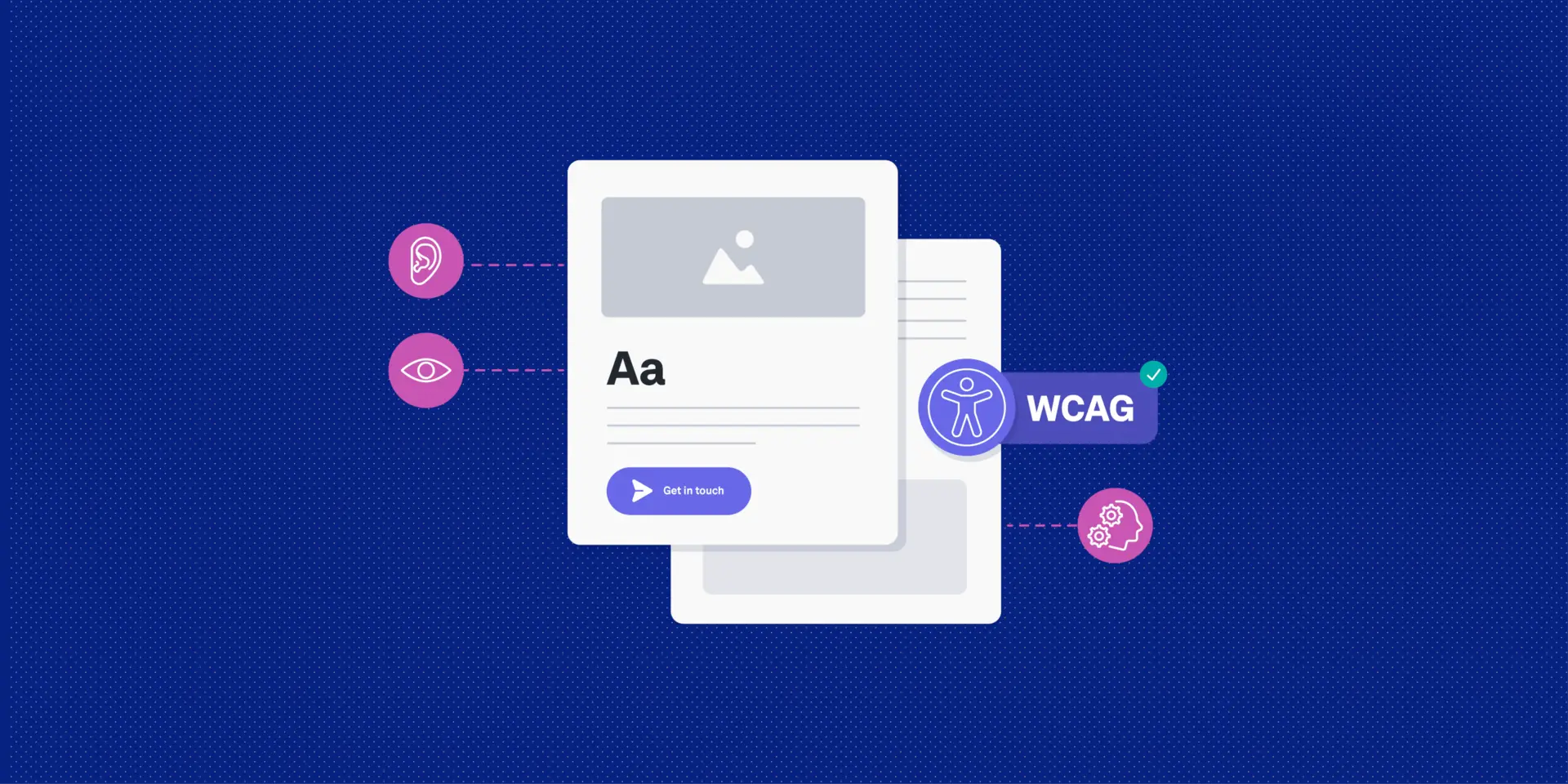
What matters today, however, is an established, well-known family of standards: the WCAG 2 series, of which two versions are currently in use. Authorities officially look for the earlier version, 2.1, when enforcing the EU accessibility law. In the meantime, a fresher version, 2.2, has been released, which supplements the previous one with a few new, useful rules. Industry professionals unanimously recommend targeting this newer version because official requirements will soon shift to it anyway. In other words, if you are starting today, it’s not worth cutting corners on the older version: work directly with the newer 2.2 level, as it will certainly hold up over the long term.
The bottom line is simple: you don’t need to worry about WCAG 3.0 for live environments yet. What matters right now is compliance with WCAG 2.2—this is a stable, finished, well-documented set of requirements that any developer or auditing firm knows and can work with.
Who is Covered by the Accessibility Obligation?
Starting June 28, 2025, the European Accessibility Act made the accessibility of digital services—including websites and mobile applications—mandatory for many businesses. The covered scope typically includes e-commerce services, banking and financial services, electronic communications services, and many other businesses providing publicly available digital products or services.
Certain micro-enterprises may be exempt from the obligation, but if your company qualifies as a medium-sized enterprise or larger and falls into any of the above categories, accessibility is no longer a "nice to have"—it is a compliance issue, much like GDPR was in 2018.
The Side Effects of Accessibility – Which Are Rarely Talked About
Accessibility is not just about avoiding fines. A properly built page is technically tidier—and its benefits extend far beyond legal compliance.
Cleaner code, better Lighthouse scores, faster load times: Fixing heading hierarchy, correctly applying form labels, and resolving contrast issues typically improve the technical quality of the site, which indirectly impacts Core Web Vitals and organic performance. Lower maintenance costs: A structurally organized site is cheaper to maintain and develop further. Less technical debt accumulates, making every subsequent development step simpler. Anyone treating accessibility as a one-off project misses out on this advantage. Improved user experience for everyone: Thoughtful navigation, clear error messages, and easy-to-use forms provide identical value to a hurried or tired user browsing on a mobile device—even if they don't explicitly articulate why using the site felt seamless. They simply return.
How Does an AI-Assisted Accessibility Audit Work?
The modern audit process typically consists of three layers: automatic scanning, AI-driven qualitative analysis, and human expert review. These three layers do not replace each other; they complement one another.
1. Automatic Scanning
Software scanners run through the entire HTML structure and identify binary (yes/no style) errors in a fraction of a second: missing tags, inadequate color contrast ratios, or broken heading hierarchies. This phase is fast, highly scalable, and gives a perfect initial diagnosis.
2. AI-Driven Qualitative Analysis
This is where the picture gets interesting. A significant portion of WCAG criteria is not binary—it cannot be decided purely on a yes/no basis; it requires judgment. A typical example: an alt text technically "exists," but it is useless content-wise, say image1234.jpg or simply "image." A traditional scanner won’t flag this as an error because the attribute is present. An LLM, however, is capable of interpreting the image and the textual context to judge whether the alt text actually describes the content for a screen-reader user.
This triaging and prioritizing work is where generative AI adds true value: it doesn’t just flag that "an alt text is here," but estimates its quality and establishes a priority order among hundreds of potential errors.
3. Human Expert Review
The third layer focuses on criteria that require real user testing: the logical order of keyboard navigation, actual usability with a screen reader, cognitive load, and compiling the official accessibility statement. Neither scanners nor AI can replace this layer today, and likely won't for a long time.
The Most Common Mistakes Caught by an AI Audit
- Missing or empty alt attributes: The image has no alt text at all, or
alt=""is left blank without decorative intent. - Content-wise useless alt text: File names, generic words like "image," or repeating the surrounding text word-for-word as alt text.
The difference in practice often boils down to a single attribute:
Alt text: Instead of image123.jpg, using "Blue electric car at a charging station"—the first is invisible to both a screen reader and an AI system, while the second conveys meaningful content to both.
Heading structure: Jumping from an H1 directly to an H3 results in lost navigation for a screen reader—as if a chapter were missing from a book. The correct sequence of H1 $\rightarrow$ H2 $\rightarrow$ H3 is a baseline requirement for both accessibility and the interpretability of the page’s logical structure.
*Form label: *If an email field is labeled only with placeholder text, a screen-reader user won't know the purpose of the field once they start typing and the placeholder disappears. A genuine <label> element solves this problem simultaneously from both an accessibility and a UX standpoint.
Insufficient contrast ratio: The contrast between text and background does not reach the 4.5:1 ratio required by WCAG 2.2 AA for normal text (3:1 for large text). Color-only indicators: Error messages or status updates indicated exclusively by red/green color coding, without textual or iconic reinforcement. Missing form labels: Input fields labeled with placeholder text without a true label element. Incorrect heading hierarchy: An H3 immediately following an H1, or multiple H1s appearing on a single page, disrupting screen-reader navigation. Interactive elements inaccessible via keyboard: Custom buttons or menus that only work with a mouse and cannot be reached using the Tab key.
Where Are the Limits of an AI Audit?
It is important to be precise: any tool in 2026 promising a "WCAG 3.0 certified scan" is actually selling a roadmap, not a finished product. WCAG 3.0 does not yet have a stable, referenceable compliance model.
But even with WCAG 2.2, there is a hard limit. Multiple independent metrics and tool-manufacturer data align in a similar range: BrowserStack’s summary this year, citing data from Deque, places the reliable coverage of automatic scanners at roughly 30%.
Other analyses put it between 30% and 57%, depending on how many AI-assisted functions are deployed alongside it. The trend is clear: a major portion of errors can still only be uncovered through real user testing.
The machine takes care of the 30%; humans are responsible for the rest.
One should be cautious with tools promising 100% or "guaranteed" compliance. In early 2025, the US FTC launched proceedings against a well-known accessibility overlay provider precisely because of such exaggerated marketing promises.
Accessibility overlay tools—those little widgets hiding behind an accessibility button placed in the corner—represent a structurally misleading approach. They do not fix the site's code. They layer a JavaScript overlay on top that attempts to handle certain user needs after the fact, while the underlying HTML structure remains exactly as it was.
True accessibility is not decided in the presentation layer. It is decided in the development foundations: in the heading hierarchy, form handling, focus states, and ARIA attributes. A widget won't rewrite these—it only masks them. During an official audit, it is the original HTML structure that gets evaluated, not what the widget displays on the surface.
Anyone trying to meet EAA requirements with an overlay tool isn't launching an accessibility project. They are purchasing risk.
WCAG and AI Visibility: What Most Accessibility Articles Don't Tell You
ChatGPT, Gemini, Claude, and Perplexity do not interpret the design of a website first. They interpret its semantically correct HTML structure.
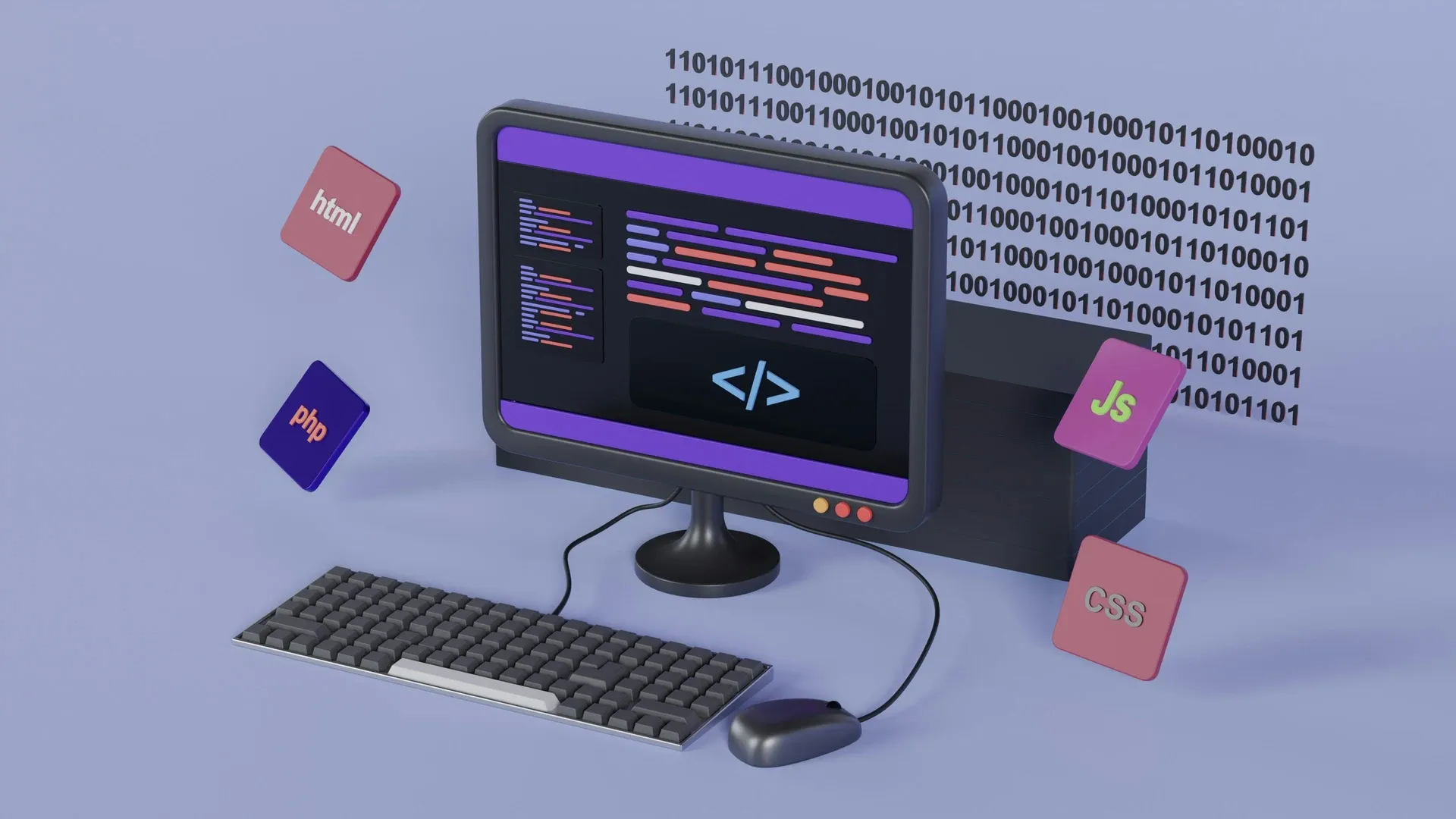
This means that a page built according to WCAG 2.2 AA—with correct heading hierarchies, clean landmark structures, meaningful alt texts, and well-structured content—is easier to process not just for humans, but for generative AI systems as well. This is a direct correlation, not a metaphor.
This is the exact reason why modern AI crawlers and LLMs are built on semantic HTML. AI does not "see" the website's design—it interprets the structure behind it. The cleaner this structure is, the more easily it can process and recommend the content.
What a screen reader cannot interpret, an AI search engine cannot reliably process either. What an AI search engine cannot process, it will not recommend.
Schema markup, semantic HTML, and WCAG compliance are not three distinct professional fields. All three are about the exact same thing: making content machine-interpretable and structured. Anyone who implements this today not only fulfills legal compliance but also enters the AI Visibility race of the coming years with a massive advantage.
What Comes Next: The Link Between WCAG 3.0 and AI
It is worth glancing at what to expect over the longer term—even if it is only taking shape right now and is not set in stone. The draft of WCAG 3.0 follows a radically different logic than the current standard: instead of simple yes/no choices, it will introduce a system measured in nuances and percentages. Interestingly, this kind of nuanced evaluation mirrors the exact area where AI is strong—assessment and prioritization, rather than purely binary decisions.
However, since WCAG 3.0 is still in its infancy, we cannot know exactly what it will look like in practice today. What is highly probable, though: if it truly becomes the guiding standard after 2028, the role of AI-driven audit processes will grow, not shrink. Therefore, anyone building this three-layered method today—automated scanning, AI prioritization, human review—is not investing in a passing trend, but in a system that will likely remain compatible with the standards of the future.
5-Minute Checklist – Start Here
Before diving into any audit, it is worth running through these questions first. If you answer "no" to any of them, there is definitely work to be done.
- Is there meaningful alt text on every image—not a file name, not the word "image," but a real description?
- Can the entire page be navigated using the Tab key—is every button, link, and form field accessible via keyboard?
- Does every input field have a corresponding
<label>element—not just placeholder text? - Is the heading hierarchy correct—does an H2 follow an H1, rather than an H3 or H4?
- Is all text readable against its background—does it meet the 4.5:1 contrast ratio for normal text?
If these are in place, you have already covered the most common and easily spotton errors.
Found an Error? Here are the Next Steps
- Assess your exposure: Determine your exact obligations under the EAA based on your company size and scope of activity.
- Run a combined audit: Automated scanning, AI-driven prioritization, and human review together provide the complete picture.
- Fix the quick wins: Developing alt texts, contrast ratios, and form labels can usually be resolved rapidly on the developer side.
- Handle structural errors separately: Correcting heading hierarchies and navigation logic takes more time because it affects the fundamental architecture of the page.
- Involve human review: An automated tool cannot reliably verify keyboard navigation and screen-reader compatibility.
- Update your accessibility statement: In alignment with the WCAG 2.2 AA level.
The question today is no longer whether AI is capable of finding errors. The question is: when real legal and business responsibility must be assumed for a website's compliance—who dares to put their name and professional credibility behind the result?
That is precisely why we do not promise 100% compliance or "WCAG 3.0 certification"—because no such thing exists today, and anyone selling it is offering a roadmap instead of a finished product. What we provide is a three-layered review where you can see exactly what the machine completed, what the AI prioritized, and what required human testing—delivered in a way that allows us to confidently put our name behind the statement.
If you are curious where your company’s site actually stands today—not according to an automated score, but through the eyes of a screen reader and an expert—let’s map it out together.