Most clients only ever see two ends of a project clearly. The first is when they explain what they want, and the last is when they open the finished website. What happens in between is something clients rarely see in detail, even though this is the phase that decides whether the website will actually work or just look good in the presentation.
This article walks through, step by step, what a website development project consists of, from clarifying goals to fine-tuning after launch. This makes it clear exactly what happens at each stage, and also makes it easier to spot early if a step starts slipping.
A website development project consists of eight steps that build on one another. It starts with clarifying business goals and building the content architecture, followed by wireframing and Figma-based UI design, then technical development and the integrations that happen behind the scenes. The process closes with thorough testing, and launch doesn't mark the end of the project but the start of an ongoing measurement and optimization phase.
What steps does a website development project consist of?
Eight steps make up the full process, from defining goals to fine-tuning after launch.
- Defining business goals and requirements. This is where it's decided what problem the website should solve and what business outcome it needs to deliver.
- Building the sitemap and content architecture. This sets the logical structure of the pages and the content types needed.
- Wireframing and UX design. This clarifies the structure and navigation logic, still without visual detail.
- UI design and component system in Figma. This delivers the brand's visual language and the building blocks that translate into development.
- Technical architecture and development. From here, the design is turned into code on a well-chosen technical foundation.
- Content upload, integrations, and staging. The real content and system integrations come together in a non-public test environment.
- QA, functional, and responsive testing. This filters out bugs before they ever reach real visitors.
- Launch, measurement, and ongoing optimization. The website goes live, then continues to be refined based on real data.
Who works on a website development project?
A serious corporate website is rarely the work of a single designer and a single developer, considerably more people work on it together, just not in equal measure across the project.
The strategist or project manager pulls together the goals, the timeline, and the communication, and is the one who has visibility over where the project stands throughout the whole process. The UX/UI designer is responsible for the structure and the visual system, and the Figma file and component system come from them. The developer turns all of this into working code and decides on the technical architecture. The content specialist takes care of the copy and its findability, and QA is responsible for making sure the end result holds up stably under real-world conditions. The client-side decision-maker's role matters just as much, since approvals, content inputs, and access all flow to the team through them.
What happens before website development begins?
Many business owners assume a website project starts with design. In reality it starts much earlier, with the question of what the website needs to do to serve a business goal.
The most expensive mistakes in development are often made before the first line of code is written.
This is the phase where the sitemap is built, meaning the logical outline of pages and subpages, and where it's clarified what content types will be needed for a service page, a case study template, a blog, or a multilingual structure. If this layer is missing or sketched out loosely, the problem doesn't show up right away, it surfaces in the middle of development, when a content type suddenly doesn't fit the planned structure.
Our experience is that projects that manage to lock down KPIs as concrete numbers in the first week, rather than just as general goals, tend to get off to a smoother start.
If it's a matter of replacing an existing website, this is also where it becomes clear which content can move over unchanged, which needs to be reworked, and which will be retired for good. Content migration tends to be an underestimated task, even though a legacy site's URLs, embedded links, and search engine positions built up over years are all value that shouldn't be ignored during a switch.
This phase is typically led by the strategist together with the client, before anyone even opens Figma.
What happens during the Figma phase?
The Figma phase isn't simply about what color a button should be. This is where it's decided how the visitor will navigate, how much information they take in at once, and when they feel they've built enough trust to get in touch with the company.
The process starts with low-fidelity wireframes, where the focus is on structure, not visual appearance. The first round of feedback is about whether the elements are in the right place and whether the order is logical, not about whether someone likes a particular shade of color. Only after that does the higher-fidelity, final visual layer get built, one that already carries the brand's voice, typography, and imagery.
Figma isn't just a mockup, it's one of the specifications for development.
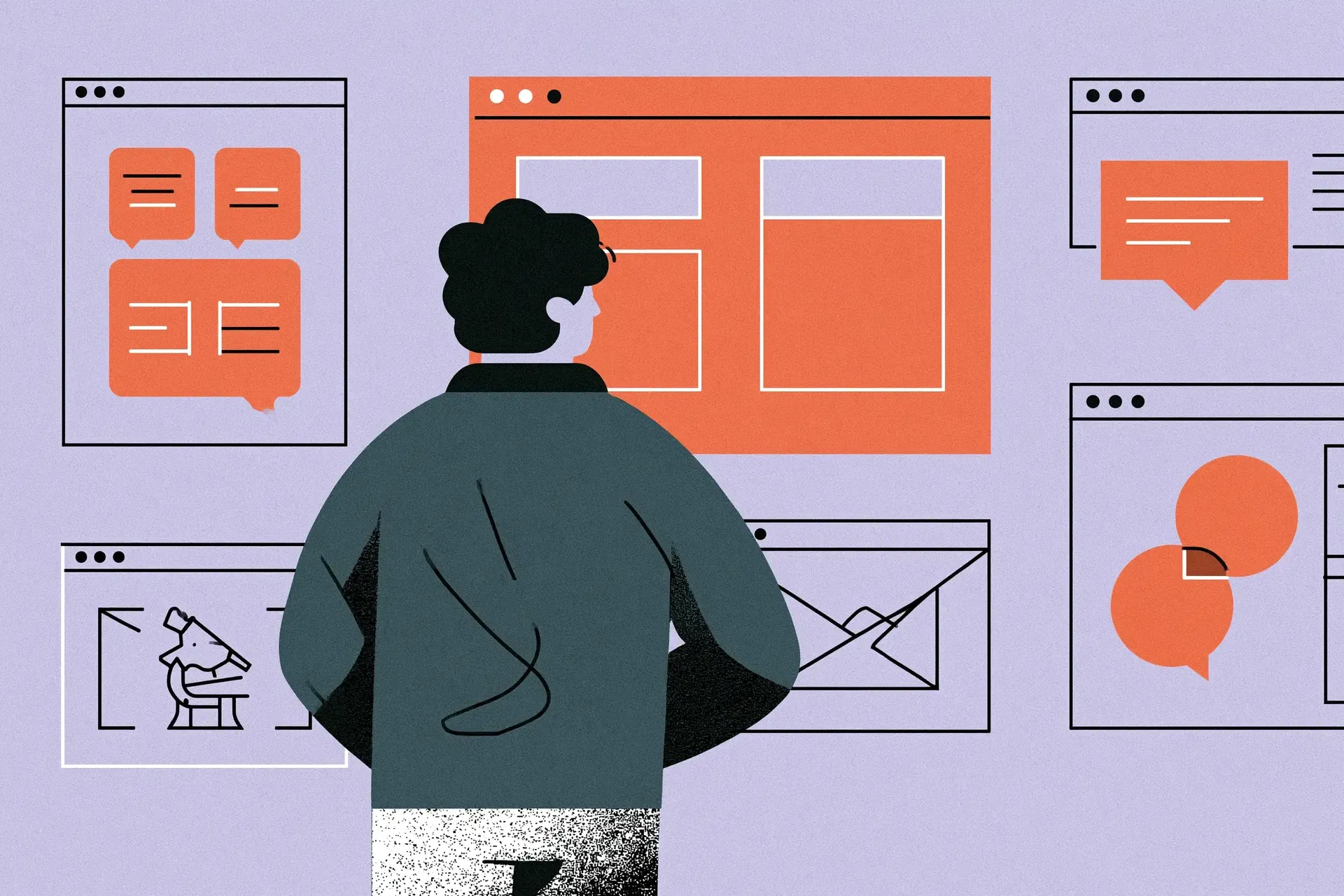
A well-designed Figma file is component-based, meaning the buttons, cards, headers, and form elements aren't separately drawn one-off pieces, but reusable building blocks that stay consistent across the whole site. This decision directly determines how quickly and how accurately the design can be translated into code, since a well-built component system can be mapped almost one-to-one onto an ACF Blocks or a native Gutenberg component system.
Responsive design gets decided at this point, not during development. A good Figma file doesn't just show what the page looks like on a large monitor, it also shows what happens to an element as the screen narrows. If this layer is missing from the design, the developer is left to decide these situations on their own judgment, which can easily lead to a result the designer would never have approved.
Feedback rounds are critical at this stage. The later a fundamental structural note comes in, the more expensive it becomes to implement. In practice, this is why we try to lock down structural decisions before development begins. A navigation or component-level change in Figma can still be carried through quickly, the same change in an already-built responsive component can mean frontend, backend, and retesting work.
How does a Figma design become a working website?
The development phase doesn't start with someone opening Figma and copying what they see. First, a decision needs to be made about what architecture the site should be built on.
An ACF-based, strictly structured field system is the better choice when the editor shouldn't be able to deviate from the brand's visual principles, in exchange, every new element type requires developer work. A native Gutenberg block system pays off more when the marketing team needs to independently and frequently put together new types of content, in exchange it places more responsibility on the editor. What we see in practice is that for mid-size and larger corporate sites, a hybrid approach almost always wins out, because the marketing team gets freedom on frequently edited page types, while control is retained on elements that are critical to the brand.
Coding happens in a version-controlled environment, where every feature is developed on its own branch before being merged back into the main branch. Developers work in a staging environment that's an exact copy of the eventual live site, just not public, so every change can be safely tested before anyone else sees it.
Tasks are broken down into tickets, assigned a priority and an owner, and tracked through to completion. This isn't administration for its own sake, it's the only way to keep a project spanning several weeks or months manageable.
What technical work happens behind the scenes?
While design and development are the visible parts, there's a whole set of work a visitor never directly notices, yet it's what decides whether the site gets found at all and whether it delivers a good experience once they get there.
This includes the SEO foundation layer, meaning the heading hierarchy, meta data, and structured markup, built in during development, not bolted on afterward. Semantic HTML, a clear information hierarchy, and relevant structured data make it easier for search engines and AI systems to identify a page's entities, content relationships, and individual pieces of information. We covered this way of thinking in detail in our Machine Experience article, where we explain how machines interpret a website's structure.
This also includes handling multilingualism, if the site will have multiple language versions. The translation workflow, language switchers, and hreflang tagging need to be planned as part of the structure, not tacked on at the end. If a large volume of content or products on the site needs to be made searchable quickly, a dedicated search engine is often built in, one that returns results by relevance rather than just keyword matching.
Content upload and system integrations (forms, CRM, payment, or booking systems) come into the staging environment at this point, still not publicly. This is the moment when a page, complete with its real content, first looks the way it eventually will live.
Finally, this also includes performance optimization, the right image formats, load order, and making sure the site doesn't just look good but also loads fast and reliably on every device. These layers don't show up in a demo, the difference only becomes clear once real visitors and search engines meet the site. We covered how an AI system selects and surfaces a given piece of content in our TL;DR and content chunking article, and together these two pieces lay out the technical foundation of W5labs' AI Visibility thinking.
How is a website tested?
A site never behaves exactly the same way on a developer's machine as it does in the real world. During the testing phase, the site is run through different browsers and screen sizes, forms and integrations are run with live data, and someone deliberately tries to break the interface.
This is the point where it becomes clear whether what was approved earlier in Figma actually holds up. An element that looked perfect on the design board can break with real content, longer text, or a smaller screen, and it's far cheaper to catch these gaps here than after launch.
Testing isn't just a technical check, it's a content check too. This is where it becomes apparent if a piece of text is too long for a given element, if an image is cropped badly on mobile, or if a button's copy reads differently than the brand's tone would call for. A developer rarely spots these issues on their own, because they're too close to the code by that point, which is why it's worth bringing in someone who looks at the site fresh, from the outside.
What happens when a website goes live?
Launch itself is rarely a dramatic moment if every previous step went smoothly. Switching over the domain, setting up redirects from old URLs to new ones, and connecting analytics tools are technical steps that, with careful preparation, can be wrapped up in minutes.
Before launch, it's worth checking that every redirect works, that forms actually deliver data to the right place, that tracking codes are properly connected in the live environment, and that the staging environment hasn't accidentally been left indexable by search engines.
What happens to the website after launch?
With launch, the project moves into a new phase, from here on, the site can be further optimized based on real usage data instead of assumptions.
Launch isn't the end of a website project, it's the start of real measurement.
In the weeks that follow, it becomes clear how the site behaves with real traffic, where visitors get stuck, and which elements are worth refining based on early feedback. A website isn't a finished product, it's a continuously maintained system that's worth polishing further based on actual use.
Our experience is that feedback from the first two to three weeks after launch gives the most accurate picture of what still needs refining, which is why we always schedule that period in advance rather than leaving it to chance.
W5labs' approach
At W5labs, this process isn't a random sequence of steps, it's a deliberately built system made up of four layers. Strategy clarifies what business goal the website needs to serve before anyone opens Figma. Creative builds the component-based design system that not only looks good but also translates smoothly into code. Development builds the site on the right architecture, with well-organized version control and thorough staging tests. Support then keeps watching how the site performs with real traffic after launch, and makes sure the system stays stable and secure over the long term.
These four layers don't run one after another as separate projects, they're in constant communication with each other across the project's entire lifecycle. When a designer runs into a technical constraint mid-design, it doesn't surface weeks later, it surfaces immediately, because the developer is already there in the process.

Common pitfalls in a website development project
Content gets written too late: The problem is that the design and structure get built with placeholder text, and then the real copy ends up longer or shorter than the placeholder. The consequence is that the carefully planned layout falls apart at the last minute. It's preventable if content work runs in parallel with the design phase, rather than starting after it.
Design and development drift apart: The problem is that there isn't enough close coordination between design and development. The consequence is that the developer ends up resolving details on their own judgment in ways the designer had pictured differently. It's preventable if the designer regularly checks the coded interface while development is underway.
Uncontrolled scope creep: The problem is that new requirements come up mid-project and keep getting folded into scope without anyone recalculating what that means for the deadline and budget. The consequence is a slipping deadline and rising costs. It's preventable if every new requirement is deliberately and formally logged as it's added to the project, with its impact recorded too.
Cut-short testing: The problem is that the testing phase gets shortened because the deadline is tight. The consequence is that exactly the bugs that a more thorough round of testing could have caught in a few hours end up making it into the live launch. It's preventable if the time allotted for testing is fixed at the project planning stage, not treated as something that can slip.
Slow decision-making on the client side: The problem is that decision-making on the client's side gets fragmented, and every small question needs sign-off from multiple people. The consequence is that every single approval holds up the work all over again. It's preventable if a single point of contact is designated at the start of the project, with the authority to decide on day-to-day questions.